
Find the help you need
Access training resources and build your confidence in using WoolClip
How-to Videos
Watch step-by-step videos of the things you'll do most in WoolClip
The WoolClip Job – Working with WoolClip jobs
Completing the NWD in WoolClip
Step-by-step Guides
Follow clear instructions to complete WoolClip tasks at your own pace
Frequently Asked Questions
Find quick answers to the most common questions about WoolClip
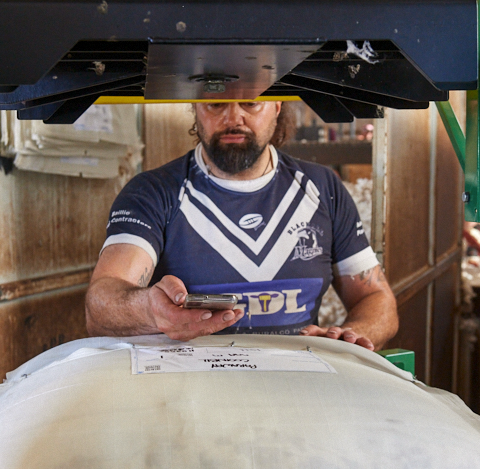
Yes, most users will use both the WoolClip website and the app. The WoolClip website is accessed from any device: tablet, laptop or smart phone. It requires service and is where the WoolClip job is started and specification is finalised and sent. The WoolClip app is used for recording information, scanning eBales in the shed and doesn’t require service to function. The web and the app sync data when online.
Yes. Wool Growers can create a WoolClip account and use WoolClip to manage clip documentation digitally. As a grower, you can collaborate with your Wool Classer and marketing rep, to create and manage jobs, complete and sign National Wool Declarations (NWDs), add and scan bales, create mobs, generate specifications.
Both the WoolClip app and website’s Wool Books identify scanned bales with a green Y. Bales missing an eBID number will show with a red N alongside the bale entry.
Yes, fill in the mandatory fields with temporary values and save. Update as information is known before completing the job.
Yes, keeping a physical copy of the Wool Book is always recommended.
Still need help?
Get in touch with our support team and we'll walk you through it.