learn.woolclip.com.au

Step-by-step Guides

Follow clear instructions to complete WoolClip tasks at your own pace

Step-by-Step: Installing the WoolClip APP

Step-by-Step: Installing the WoolClip APP

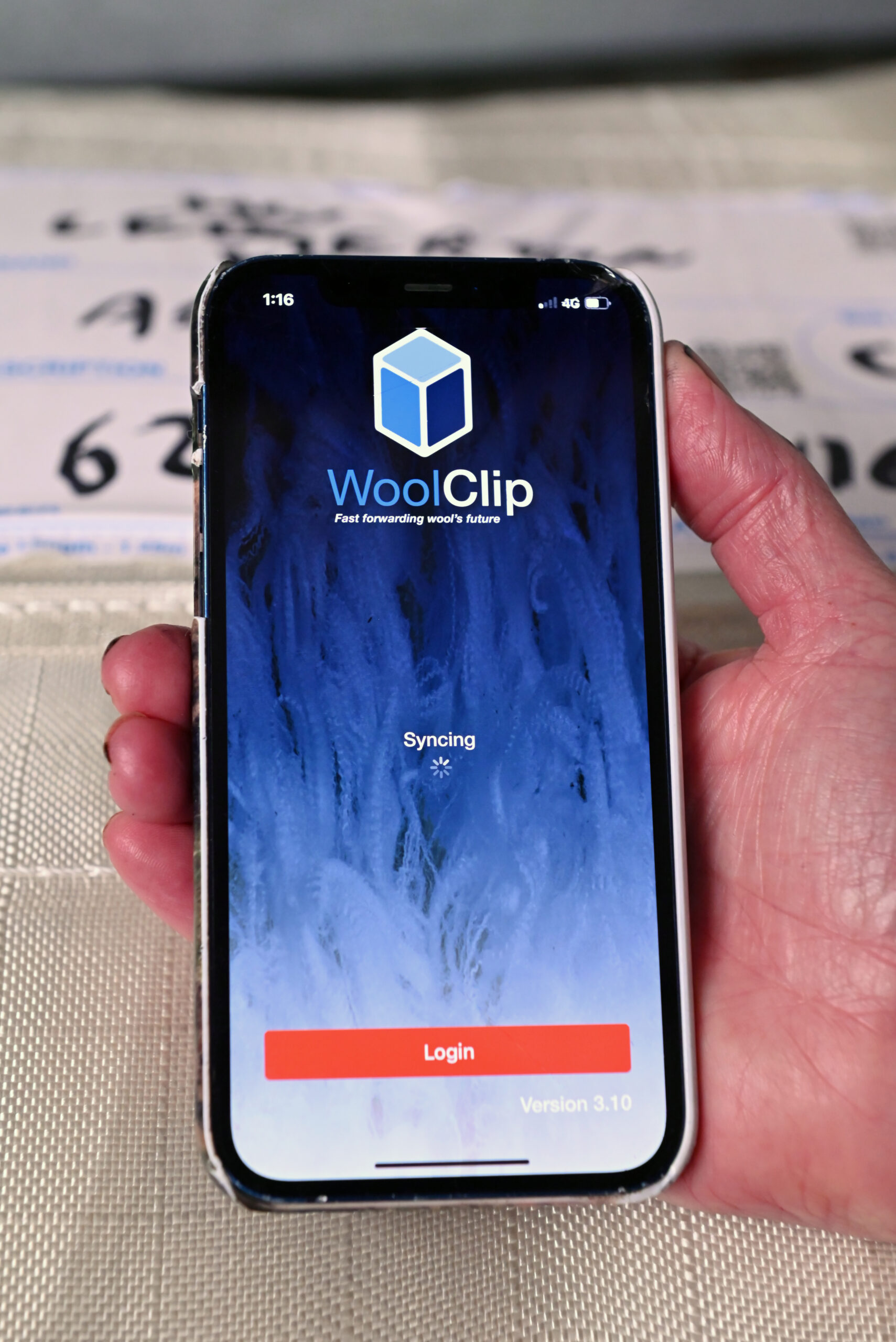
Make sure you have the latest version of the WoolClip app. Only the latest version of the app will sync correctly with the WoolClip web page. Please check that you are using version 3.41 on Apple devices or version 3.44 on Android devices. NOTE: You may have the latest version (3.41 or 3.44) but the...
WoolClip app 2 mins read
View details
From Wool Book to WoolClip. User Access 

From Wool Book to WoolClip. User Access 

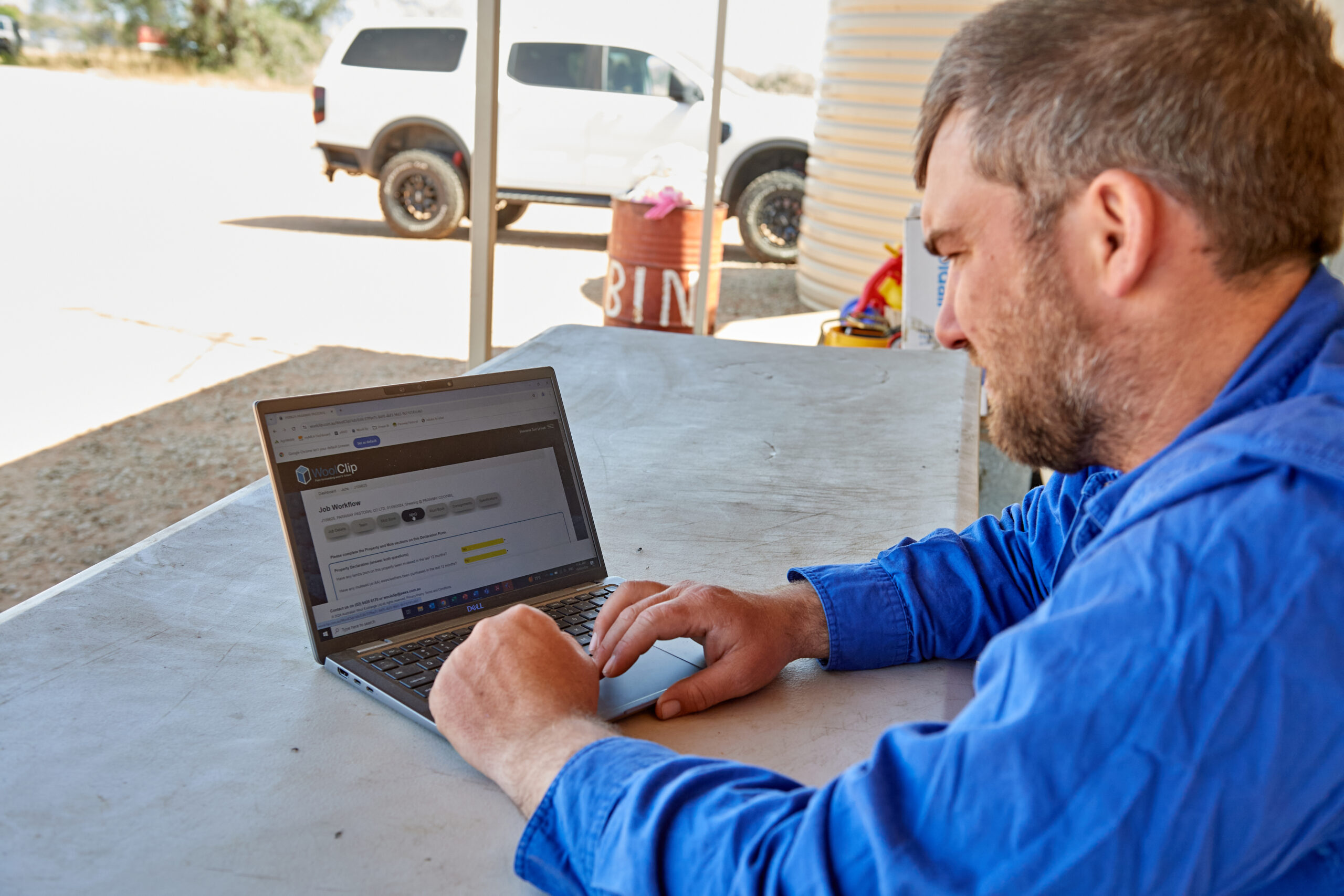
Already recorded your bale information in a physical wool book? Use this guide to set up a user in the Team allowing them to enter bale details from the physical wool book and scan the eBIDs. Anyone with WoolClip access can enter wool book information in the app or the Web.  Wool classers are encouraged...

Wool book 5 mins read
View details
Adding an eBID to the Wool Book:  Scanning missing eBIDs

Adding an eBID to the Wool Book: Scanning missing eBIDs

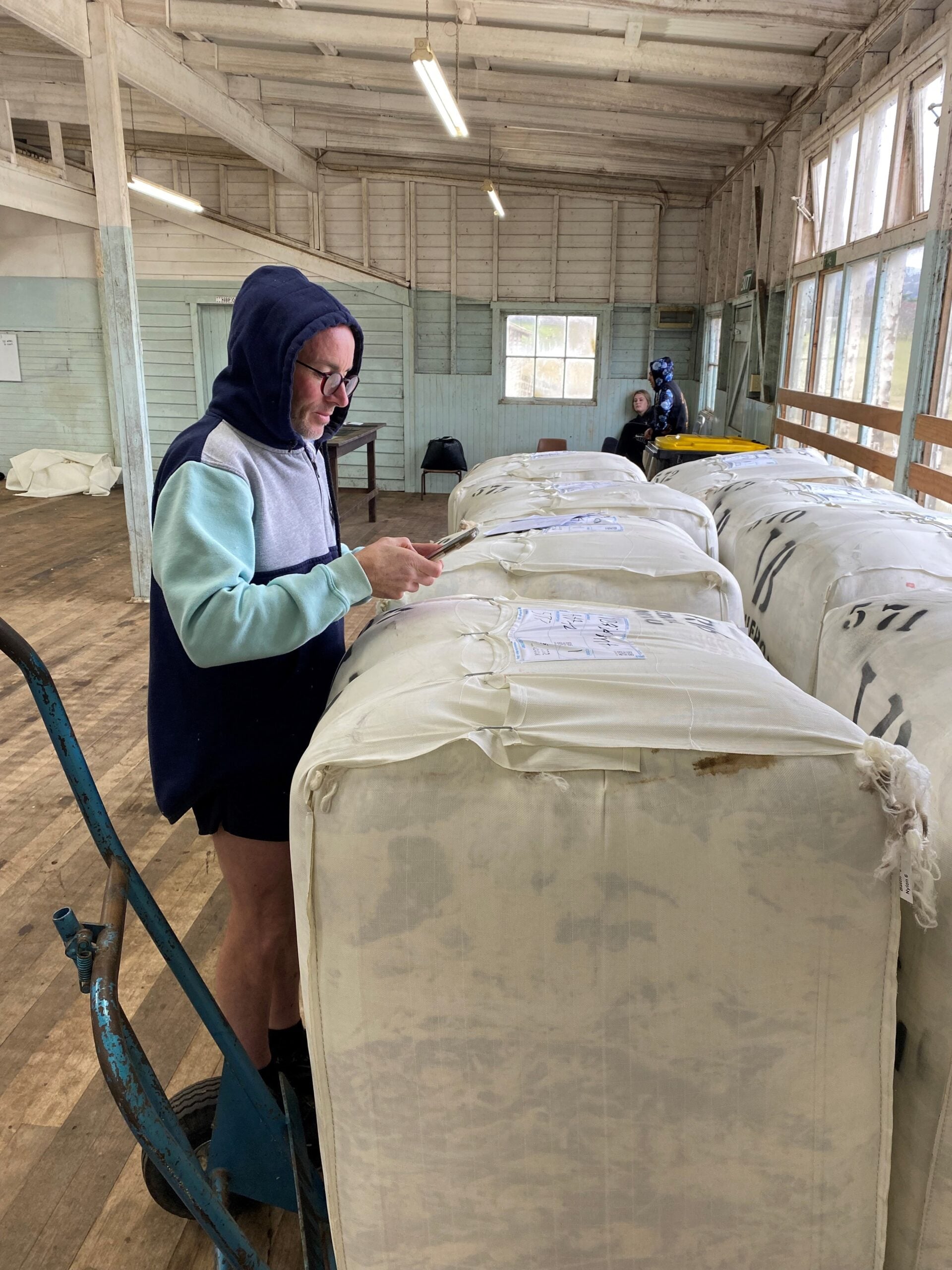
Bales may be added to a WoolClip job without an eBID being recorded. This guide shows you how to quickly add a missing eBID to a bale in the Job wool book.   The most efficient and timely way to record the eBID is as close to the time of pressing as possible. To keep...

3 mins read
View details

Still need help?

Get in touch with our support team and we'll walk you through it.

Contact Us