

Guide to set up User Access to the Wool Book
Use this guide to set up a user in the Team allowing them to enter bale details from the physical wool book and collect the eBID.
Follow clear instructions to complete WoolClip tasks at your own pace
Use this guide to set up a user in the Team allowing them to enter bale details from the physical wool book and collect the eBID.
This guide explains how to use the WoolClip app during wool harvesting
Learn how to scan an ePack QR code in the WoolClip app to record the eBID against each bale
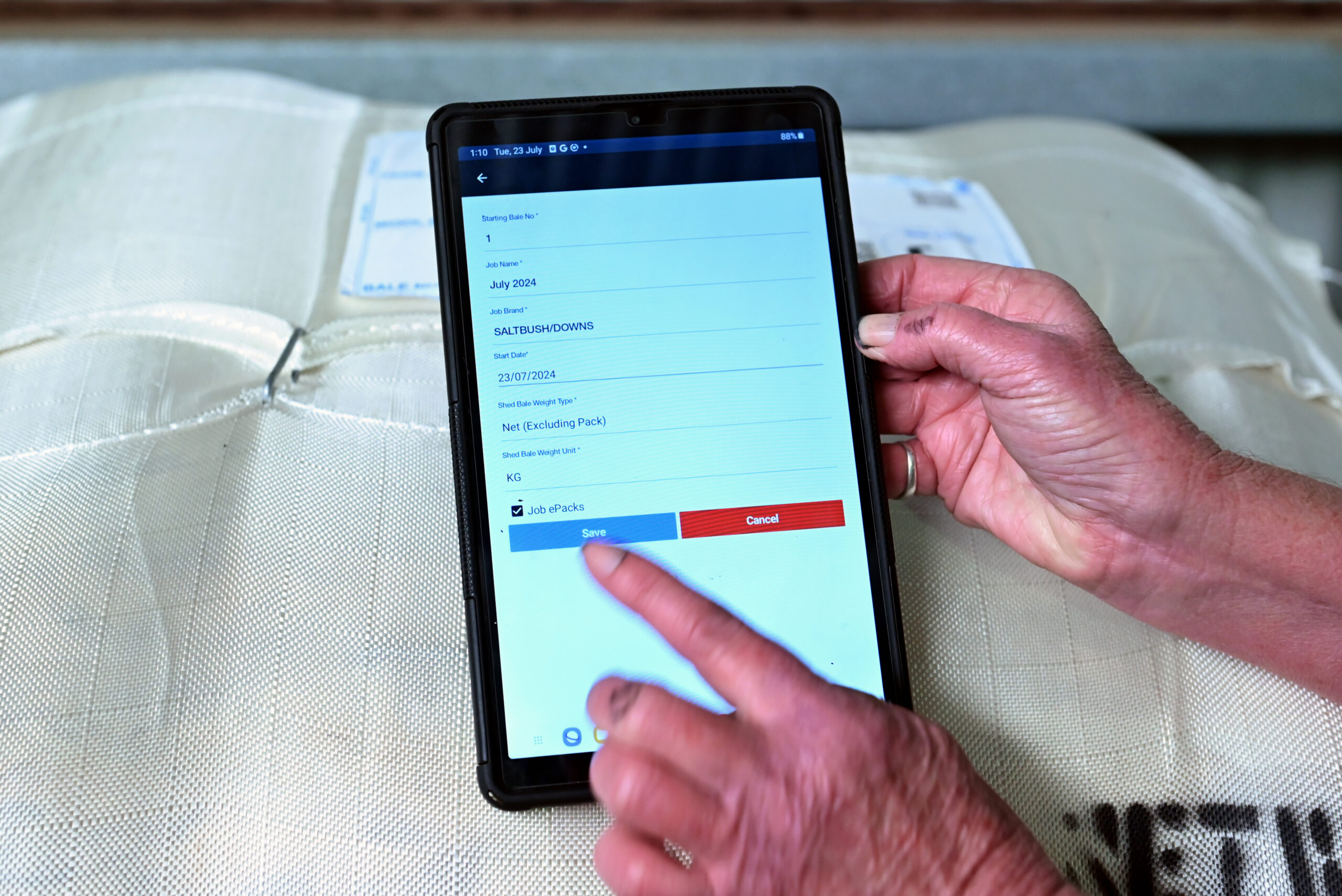
Use Quick Start when you need to create a job in the app while there is no service and one has not already been created in the Web
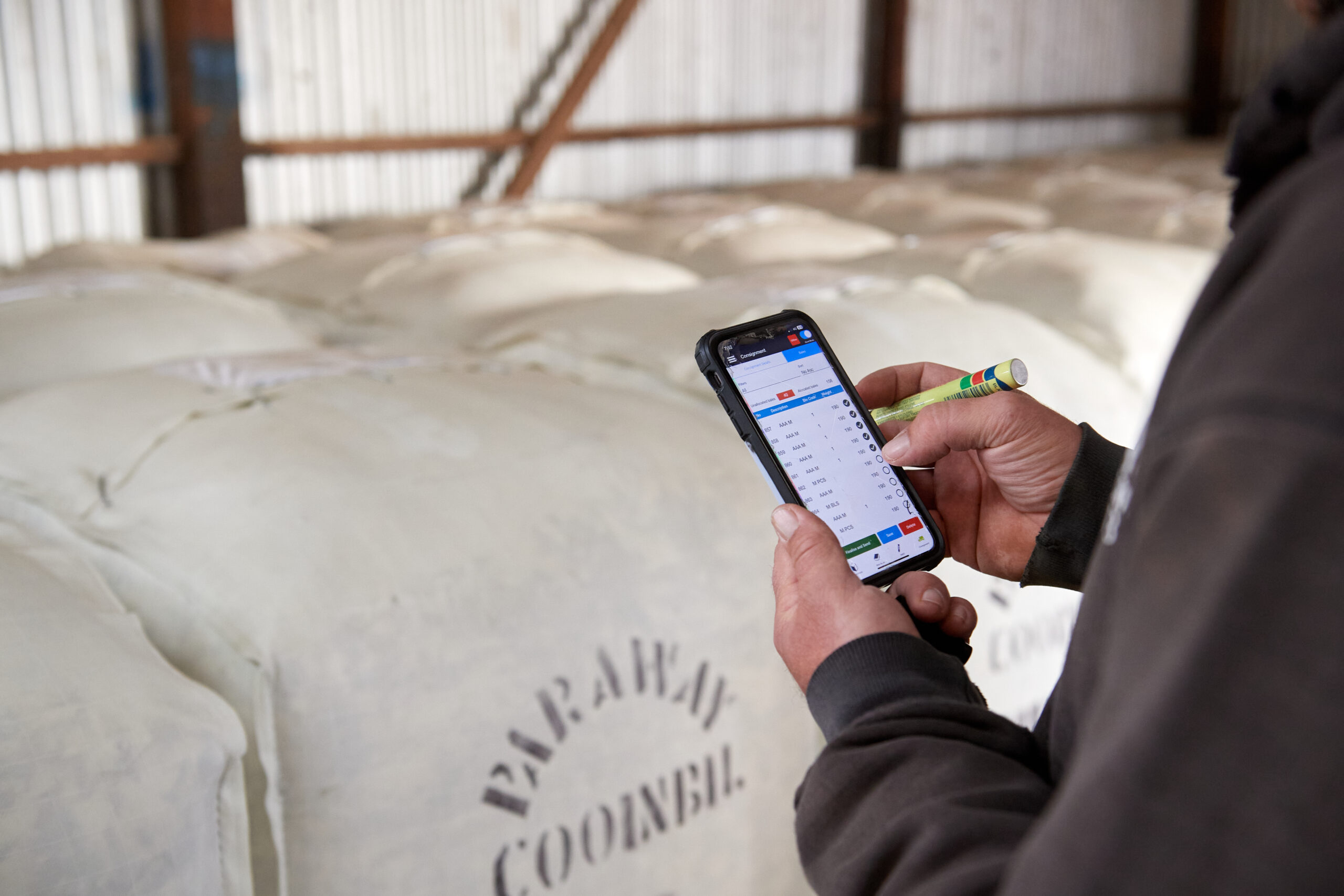
This user guide explains how to create and send a consignment using the Consignment module in the app
Get in touch with our support team and we'll walk you through it.